01Overview
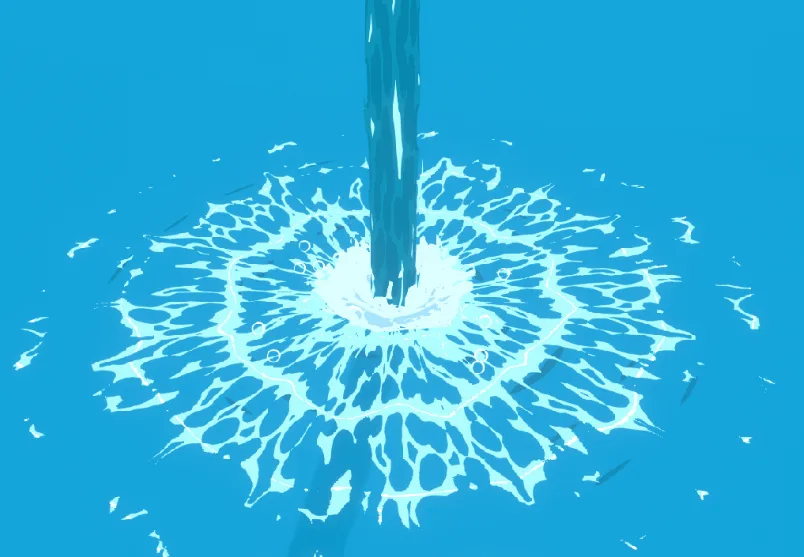

Today I saw Kristof Dedene’s tutorial titled “Tutorial: Advanced anime water splash FX in blender” (https://www.youtube.com/watch?v=zZsfr5f273c) and I thought it would be cool to try and attempt to make it for real-time use in Unity using URP and Shadergraph, instead of Blender.
So, where do we begin? Well if you haven’t seen his tutorial first, I would highly recommend watching it first, then coming back here and seeing how you could port it.
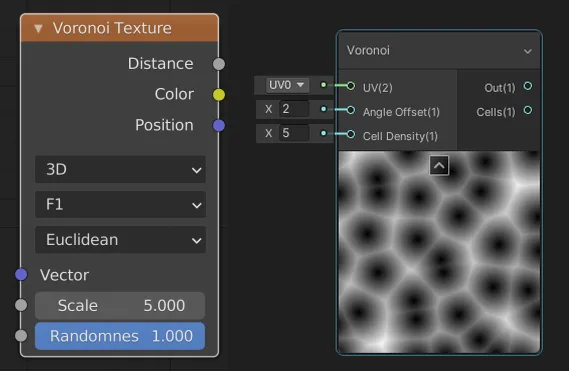
Firstly I noticed that there are a lot of nodes he uses that are straight-up incompatible with real-time applications so this is not a 1:1 copy of his nodes, which would be impossible, and inefficient for real-time.
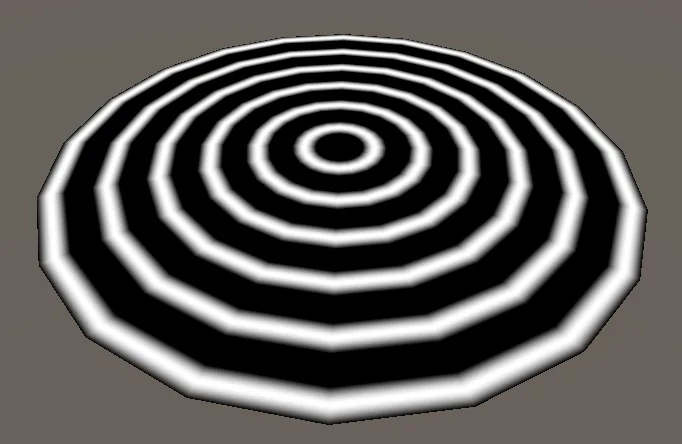
His water is composed of 3 elements. A deceiving disk that is UV’d straight (I’ll get to that later), a cylinder that is used as the spout of water, and the splash mesh that is shaped like a cone.
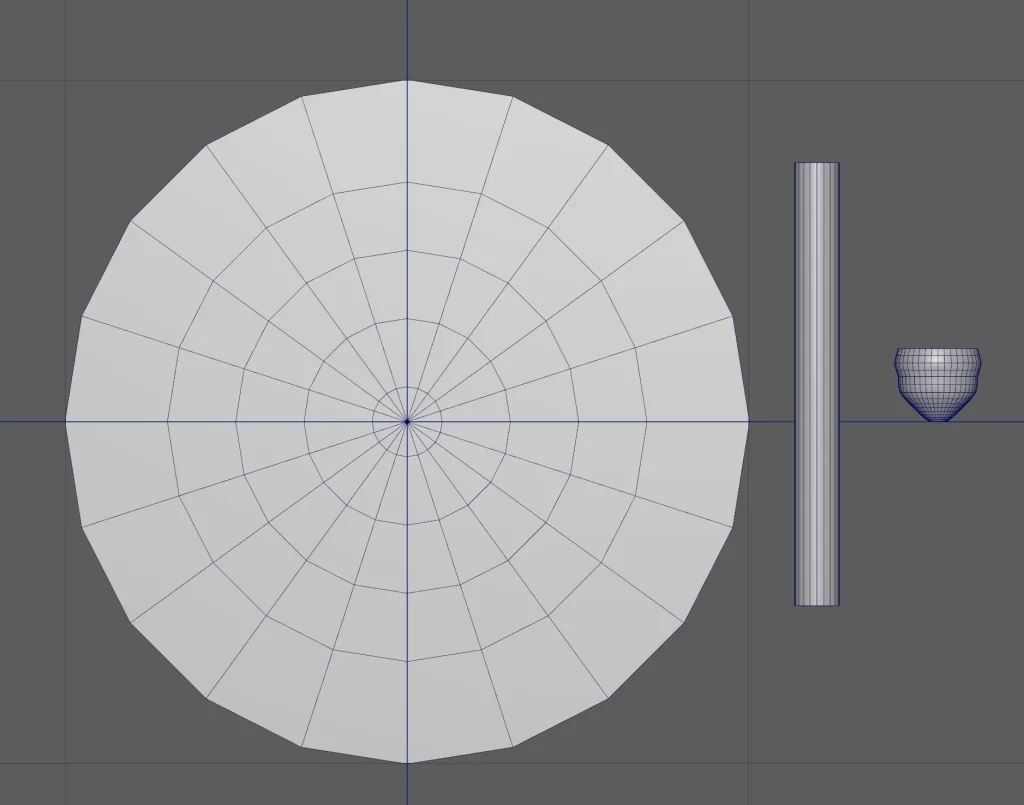
I’ll go into a bit more detail than he did on how to create these meshes because he is using a bunch of modifiers that might not work the same way in other applications. With that being said, the tricky mesh we have here is the ripple disk. You can create this the same way he did if you have Blender, and if you have Maya you can use the bend modifier much the same way, but when it comes to the UV’s you will need to UV it straight like you would a pipe and normalize it so it takes up the entire UDIM. It is also mirrored (although this isn’t necessary, you just get a bit more resolution, at the cost of a slightly noticeable seam line).
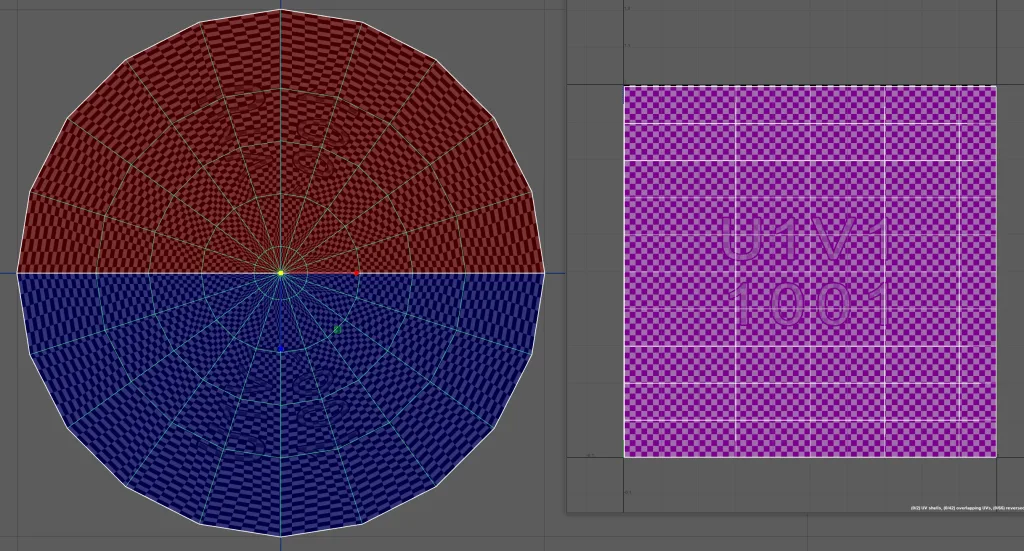
Give each of these bad boys their unique material and it might be a good idea to export all the meshes as separate files so you can customize them easier later.
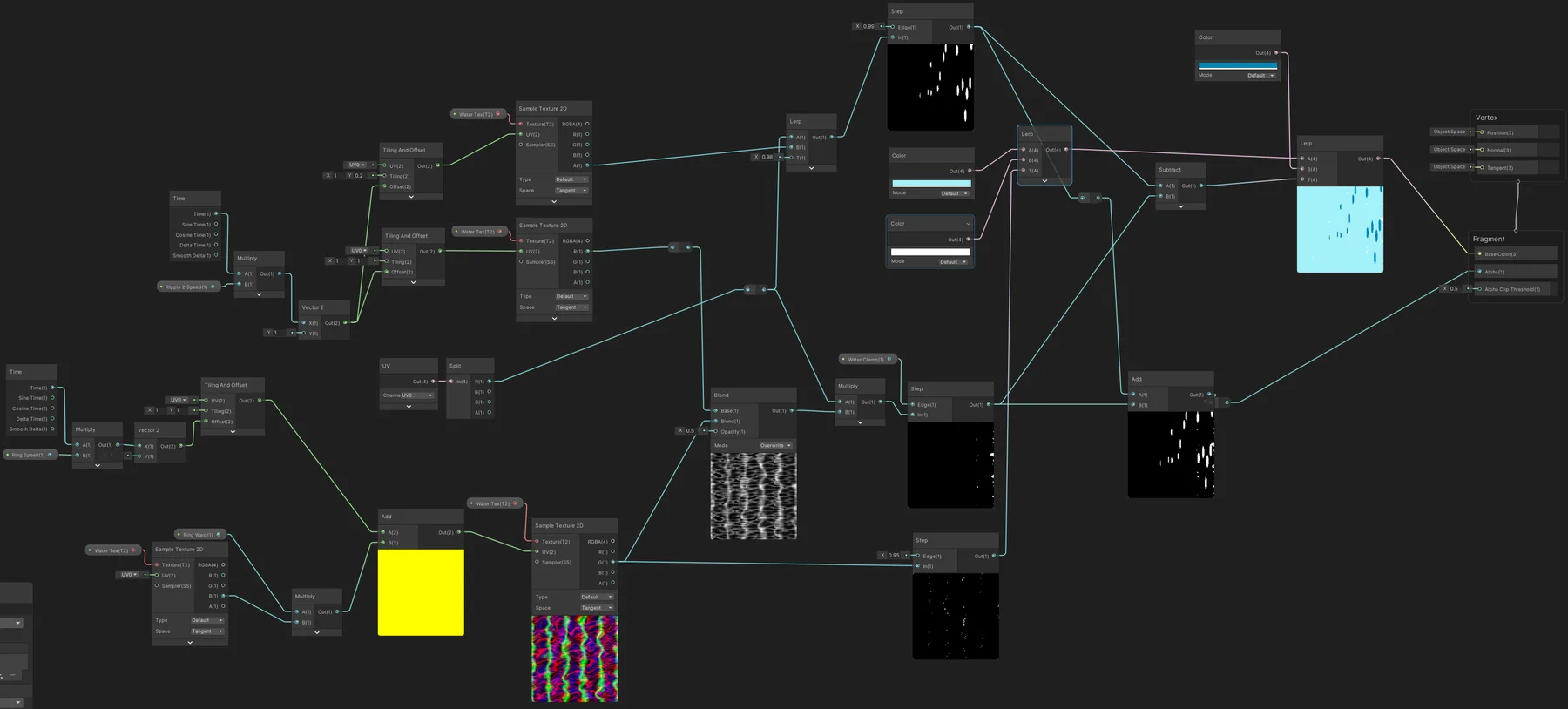
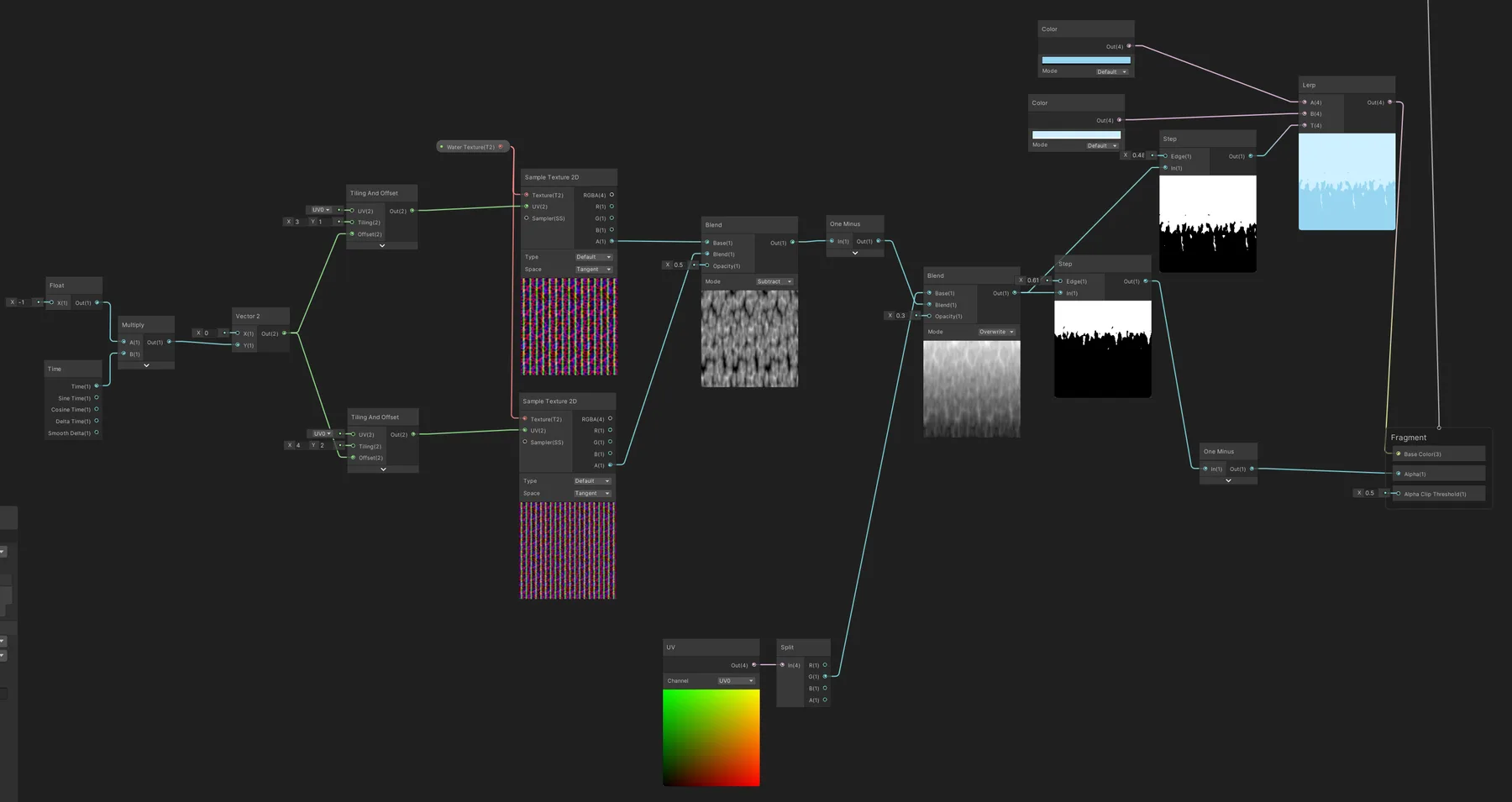
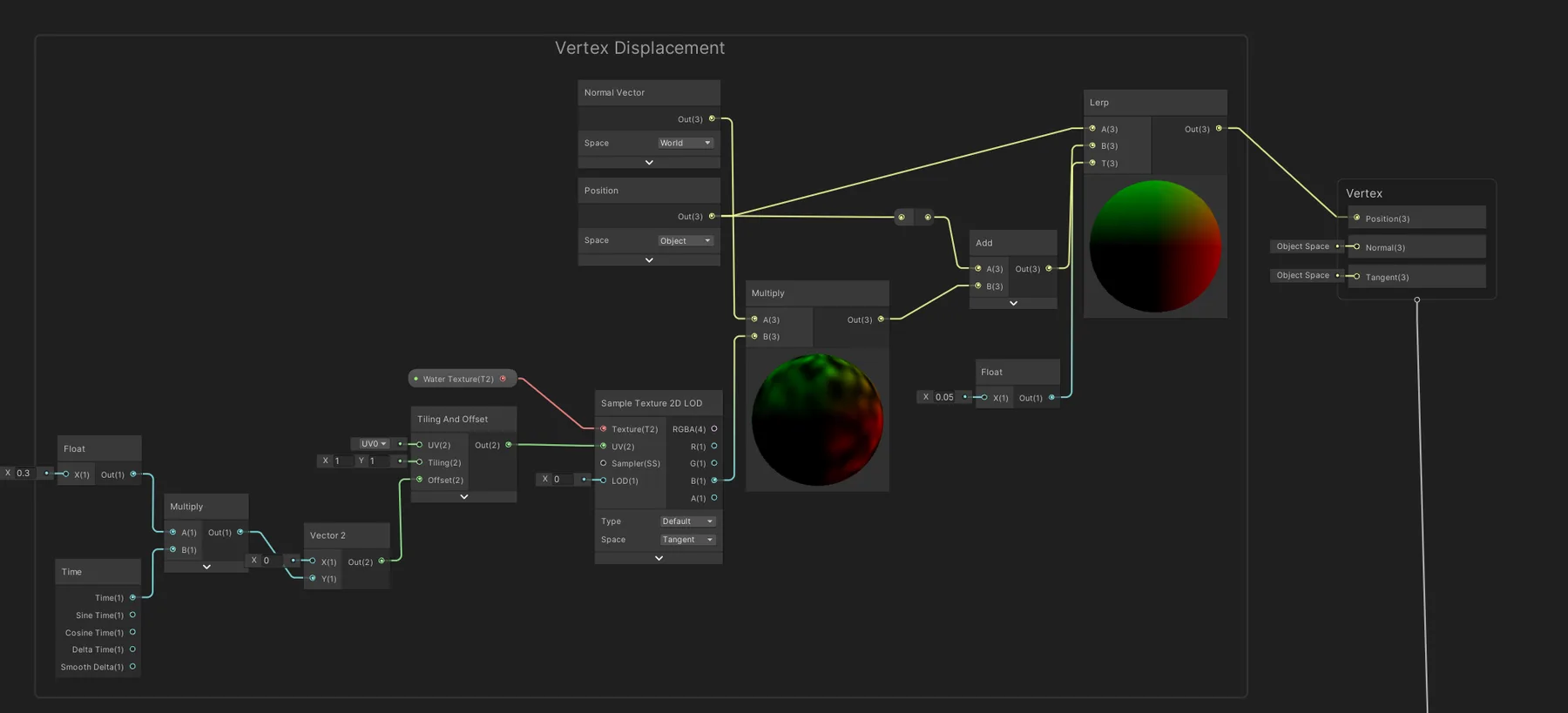
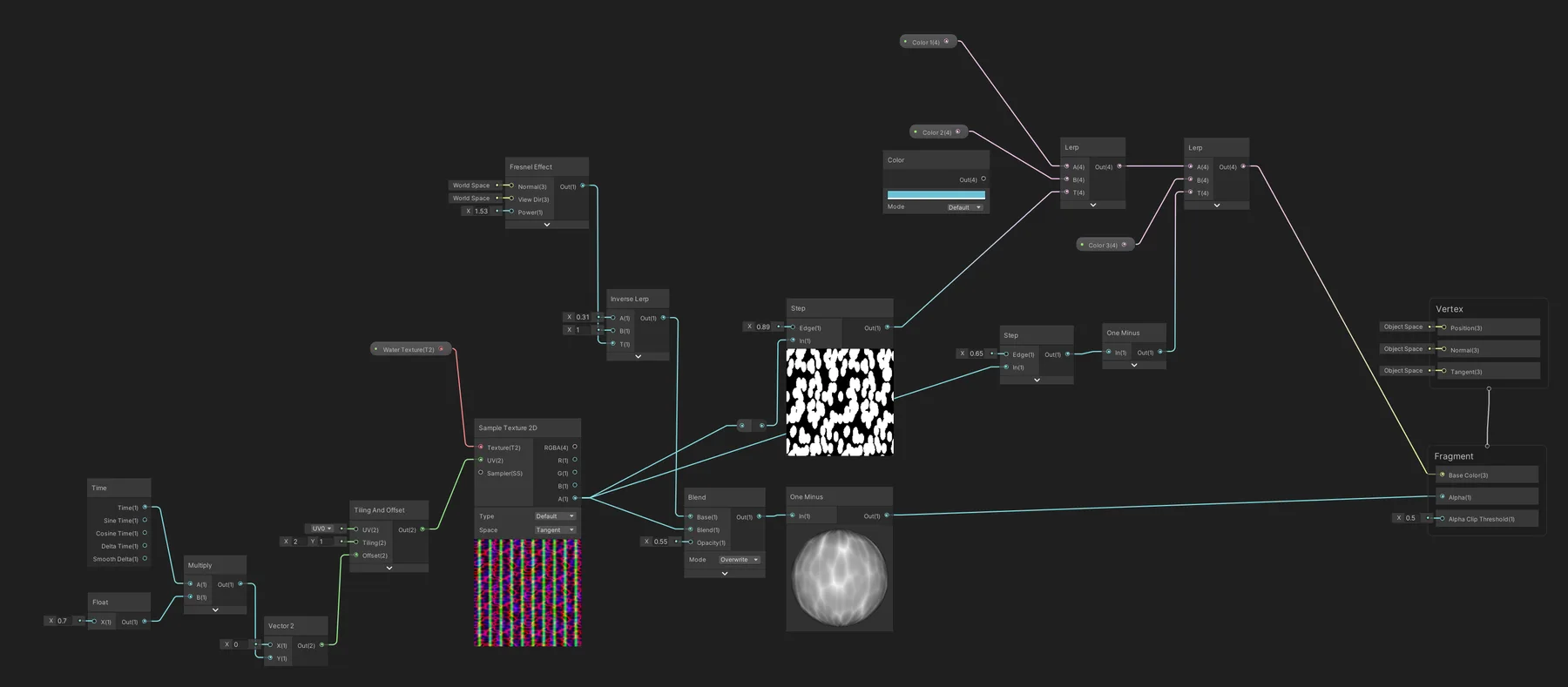
Okay so now we have the problem of what the heck we need to do in Unity. Here are some of the compatibility issues with how the system in Unity works.