INDEX/WRITING/BUILDING A FROXEL VOLUMETRIC FOG RENDERER IN UNITY URP

Building a froxel volumetric fog renderer in Unity URP

01Overview

I built this fog renderer for an unannounced project because the built in options were not giving me the control I wanted. I needed fog that could react to the sky, local lights, headlights, weather, and transparent materials without turning into a full-screen blur pass.

The system uses a froxel volume: a camera-aligned 3D grid that stores density, scattering, and transmittance through the view frustum. Each frame, the renderer fills that volume, lights it, integrates it from front to back, and composites it over the scene.

The pass order looks like this:

volumetric-fog-frame-order.txttext
Noise Bake
Inject Density
Scatter Lighting
Temporal Reprojection
Spatial Filter
Integrate
Composite
Update Opaque Texture

That last step matters more than it sounds. The fogged color gets copied back into `_CameraOpaqueTexture`, so refractive shaders sample a scene that already has atmosphere in it.
02What is a froxel?

A froxel is a voxel inside the camera frustum. X and Y follow the screen. Z follows camera depth.

The simple version: imagine the camera view as a pyramid stretching out from the lens. Slice that pyramid by screen tiles and depth ranges. Each little chunk is a froxel. The word is short for frustum voxel.

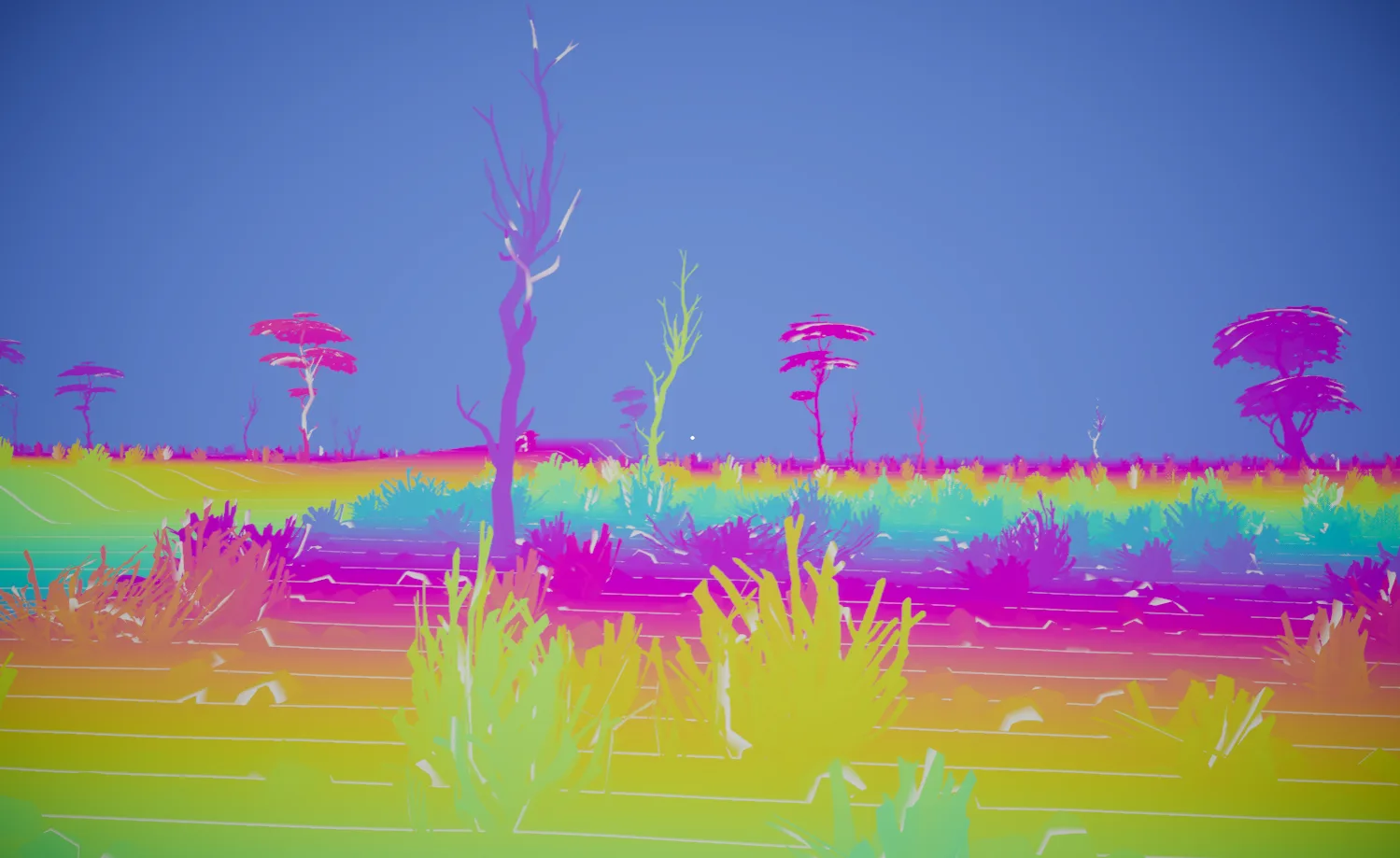
A normal voxel is usually a cube in world space. A froxel is tied to the camera projection. Near the camera, the chunks are small. Farther away, they cover more world space because of perspective. That shape is useful for fog because the final composite already knows two things for every pixel: screen UV and scene depth. Those two values point straight into the fog volume.

03Volume layout

The renderer has four quality presets:

froxel-quality-presets.txttext
Low     80 x 45 x 64
Medium  160 x 90 x 64
High    160 x 90 x 128
Ultra   240 x 135 x 128

Depth uses exponential slices:

froxel-depth-slices.hlslhlsl
depth = nearDistance * exp((slice / sliceCount) * log(farDistance / nearDistance));

Linear depth wastes too much resolution far away. Exponential depth puts more slices near the camera, where headlights, silhouettes, and light shafts show artifacts first, while still reaching into the distance.

image

04Where it runs in the frame

The fog is a URP `ScriptableRendererFeature` backed by RenderGraph. It runs at `BeforeRenderingTransparents`, after opaque depth and color are available and before glass, water, windshields, particles, and other transparent materials draw.

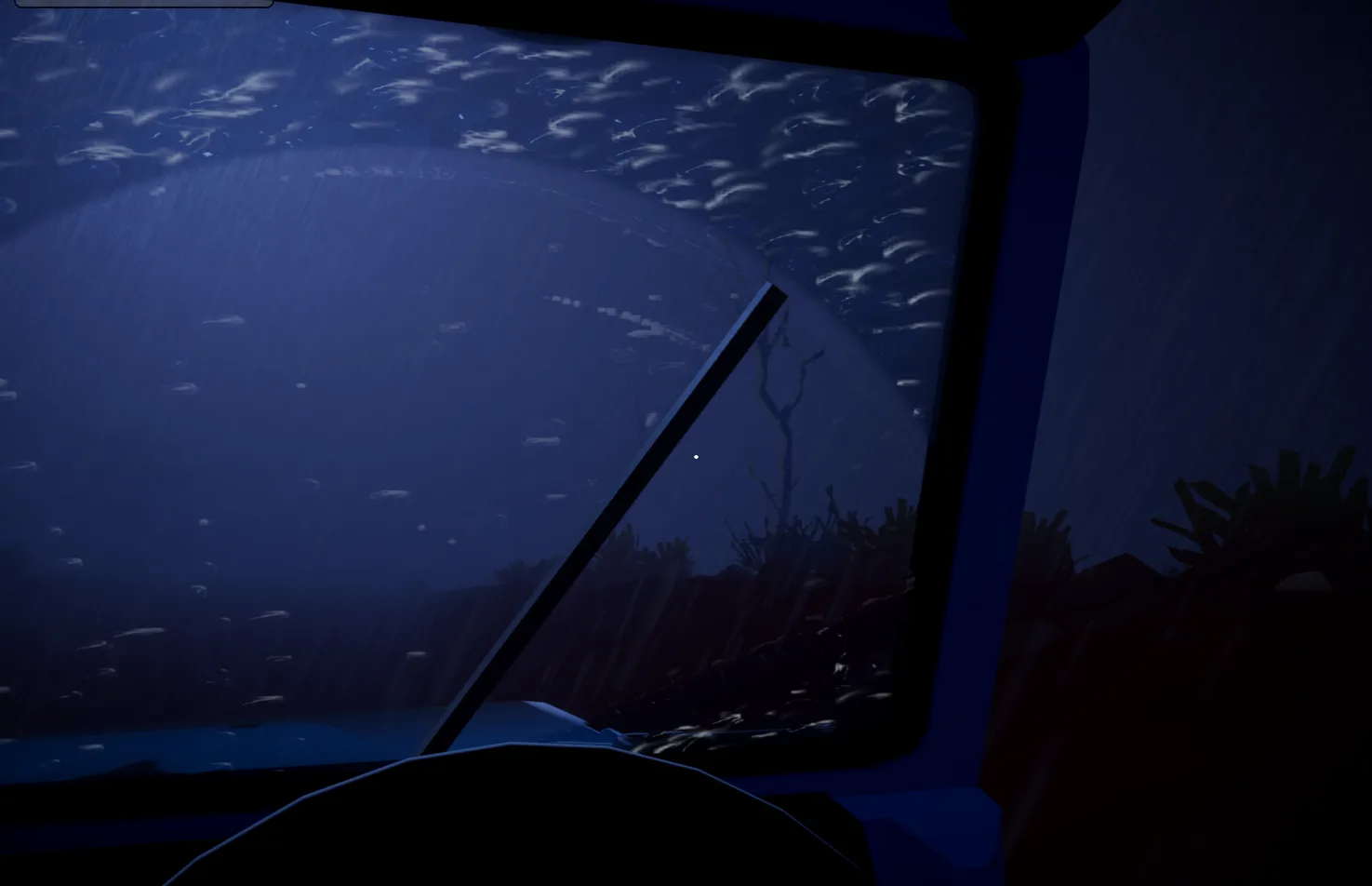
At that point the pass can composite fog into the opaque scene color. Then it copies that fogged color into `_CameraOpaqueTexture`. Refractive materials read that texture later, so a windshield or glass pane sees the same fogged world the camera sees.

image

05Density injection

The first real pass builds the material volume. Each froxel stores scattering in RGB and extinction in alpha:

material-volume-layout.txttext
materialVolume.rgb = scattering
materialVolume.a   = extinction

The density controls are deliberately boring: base density, height falloff, ground height, albedo, animated noise, and wind. Boring is good here. These are the knobs I actually want when tuning a scene.

Height falloff gives the fog its ground-hugging shape:

height-falloff.hlslhlsl
float h = worldPos.y - groundHeight;
float heightTerm = exp(-max(h, 0.0) / max(heightFalloff, 0.01));
float density = baseDensity * heightTerm;

Noise comes from a prebaked 128 x 128 x 128 tileable 3D texture. Earlier versions of this kind of system often lean on procedural noise in the injection shader, but evaluating that for every froxel gets expensive quickly. A baked volume turns the runtime work into one texture sample.

The animation is just a moving lookup through the tileable volume:

animated-density-noise.hlslhlsl
float3 uvw = worldPos / noiseScale - wind * (time / noiseScale);
float n = noiseTexture.SampleLevel(sampler, frac(uvw), 0);

It is cheap, wraps cleanly, and gives weather-driven drift without generating noise every frame.

06Lighting the medium

The scatter pass reconstructs a jittered world position for every froxel and lights it. The volume receives the main directional light, main light shadows, point and spot lights, additional light shadows, sky ambient lighting, and atmospheric sun tint.

The phase function is Henyey-Greenstein. One value, `g`, controls anisotropy. Around zero, the fog scatters softly in all directions. Positive values push energy forward, which gives the familiar sun halo or headlight beam when looking toward a light.

The shader also adds low-frequency anisotropy noise. That means one patch of fog may forward-scatter a little more than another. The amount stays small because Henyey-Greenstein gets twitchy near the forward direction. Push it too hard and bright lights start banding.

Additional lights use URP attenuation and shadow helpers. Each light contribution gets clamped before it enters the volume. That is mostly for temporal stability. A point or spot light can spike hard near its source, and one hot froxel can smear through history for several frames.

07Multiple scattering approximation

Dense fog needs more than direct single scattering. Extra bounce energy fills shadows and keeps the volume from going dull.

This renderer uses an octave approximation inspired by production volumetric renderers. The first octave is direct single scattering. Later octaves broaden the phase lobe, soften shadowing, and reduce intensity. It is a cheap approximation, but it gives thick fog a better body around strong lights.

08Temporal stability

The froxel grid runs below screen resolution. Without jitter and history, it looks like a low-res volume. Each froxel samples a jittered point inside its cell. If a spatio-temporal blue noise texture is assigned, the renderer uses it. If the texture is missing, it falls back to Interleaved Gradient Noise extended into three dimensions.

The temporal pass reprojects the current froxel center into the previous frame with the previous view-projection matrix. If that point lands inside the old volume, the shader manually trilinear samples history and blends:

temporal-reprojection.hlslhlsl
float3 blended = lerp(history.rgb, current.rgb, temporalBlend);

History is stored per camera and ping-ponged between two 3D render textures. Unity can render Game View and Scene View in the same editor session, so sharing one fog history would produce garbage as soon as the editor camera moves.

09Spatial filtering

After temporal reprojection, the renderer can run a 3 x 3 x 3 Gaussian-style filter over the scattering volume. It filters RGB only. Extinction passes through unchanged.

That split is important. Extinction controls how much light survives through the medium. If you blur it, you blur depth and absorption. Filtering only the in-scattered radiance smooths local light aliasing while keeping the density profile intact.

The filter runs after reprojection, but history is stored before the filter. That keeps the blur from stacking up frame after frame.

10Front-to-back integration

Once each froxel has scattering and extinction, the integrate pass marches through Z for every screen-space XY cell.

For each slice, it computes:

front-to-back-integration.txttext
opticalDepth = extinction * sliceThickness
sliceTransmittance = exp(-opticalDepth)
sliceScatter = scatter * (1 - sliceTransmittance) / extinction

The integrated volume stores accumulated radiance in RGB and remaining transmittance in alpha:

integrated-volume-layout.txttext
integratedVolume.rgb = accumulated in-scattered radiance
integratedVolume.a   = remaining transmittance

After that, compositing is simple. Screen UV plus scene depth gives the lookup into the integrated volume.

11Compositing

The composite shader samples camera depth, converts it to a froxel Z coordinate, reads the integrated volume, and applies:

volumetric-composite.hlslhlsl
finalColor = sceneColor * transmittance + accumulatedScatter;

Near pixels pass through unchanged. Pixels inside the froxel range sample the integrated volume directly.

Pixels beyond the froxel far distance get an analytical extension. Terrain pixels estimate the extinction rate from the integrated transmittance and carry it to the actual scene depth. Sky pixels integrate the exponential height fog toward the horizon.

This is the kind of small fix that prevents a very obvious artifact: the fog volume ending at a camera-locked plane.

12Cited works

Related
<- All writing